> ## Documentation Index
> Fetch the complete documentation index at: https://docs.trydepth.ai/llms.txt
> Use this file to discover all available pages before exploring further.
# Introduction
> Empower your team with AI that deeply understands your codebase
## Chat with Your Codebase
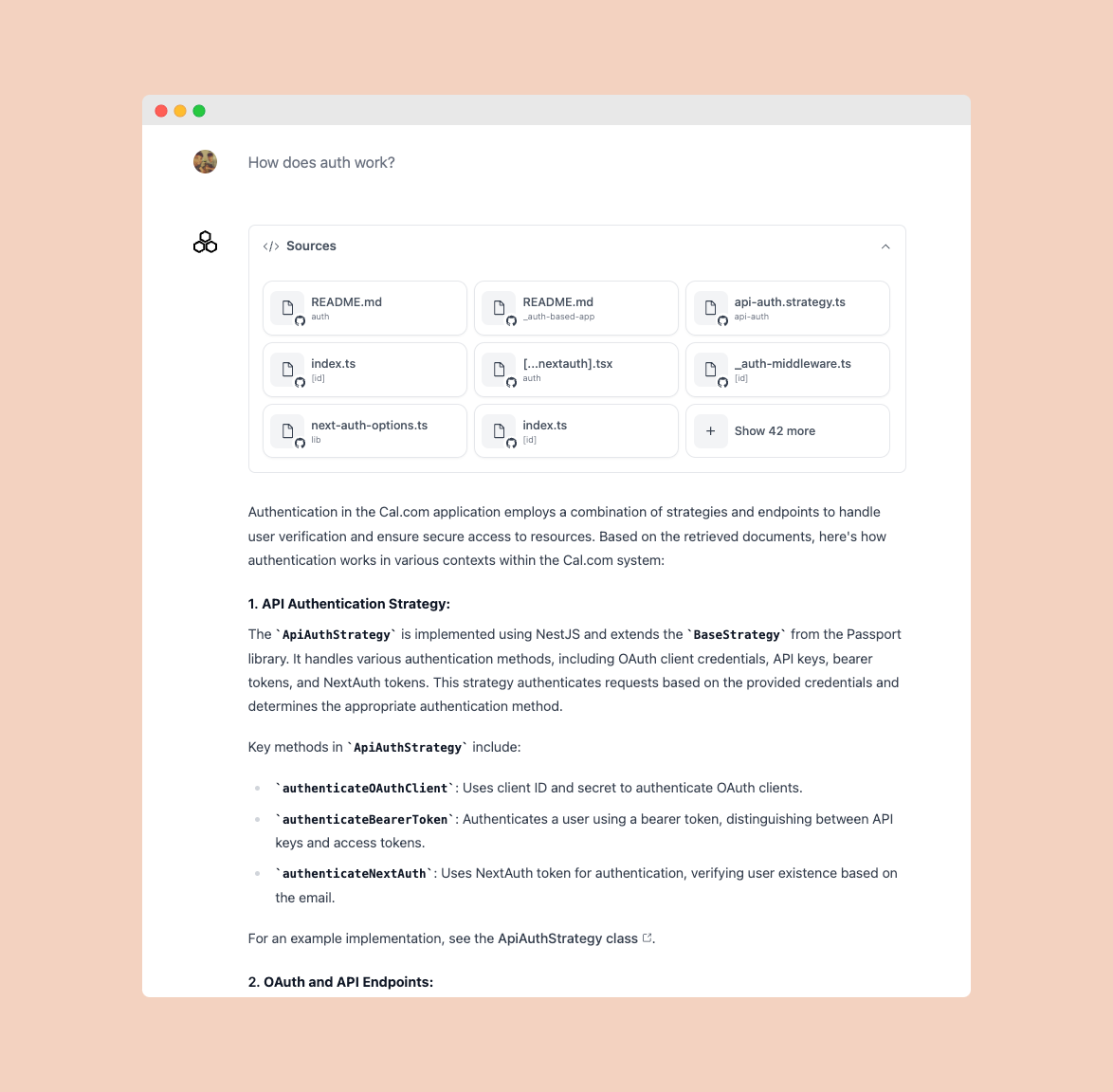 Unlike simple RAG-based solutions, Depth AI constructs a detailed code graph that captures the complete structure of your codebase. This enables it to answer complex questions on large and messy codebases.
Map out how different parts of your system interact and depend on each other
Identify and understand the architectural patterns used across your codebase
Track all internal and external dependencies throughout your system
Visualize the hierarchical structure of your codebase components
## Available Everywhere You Code
Unlike simple RAG-based solutions, Depth AI constructs a detailed code graph that captures the complete structure of your codebase. This enables it to answer complex questions on large and messy codebases.
Map out how different parts of your system interact and depend on each other
Identify and understand the architectural patterns used across your codebase
Track all internal and external dependencies throughout your system
Visualize the hierarchical structure of your codebase components
## Available Everywhere You Code
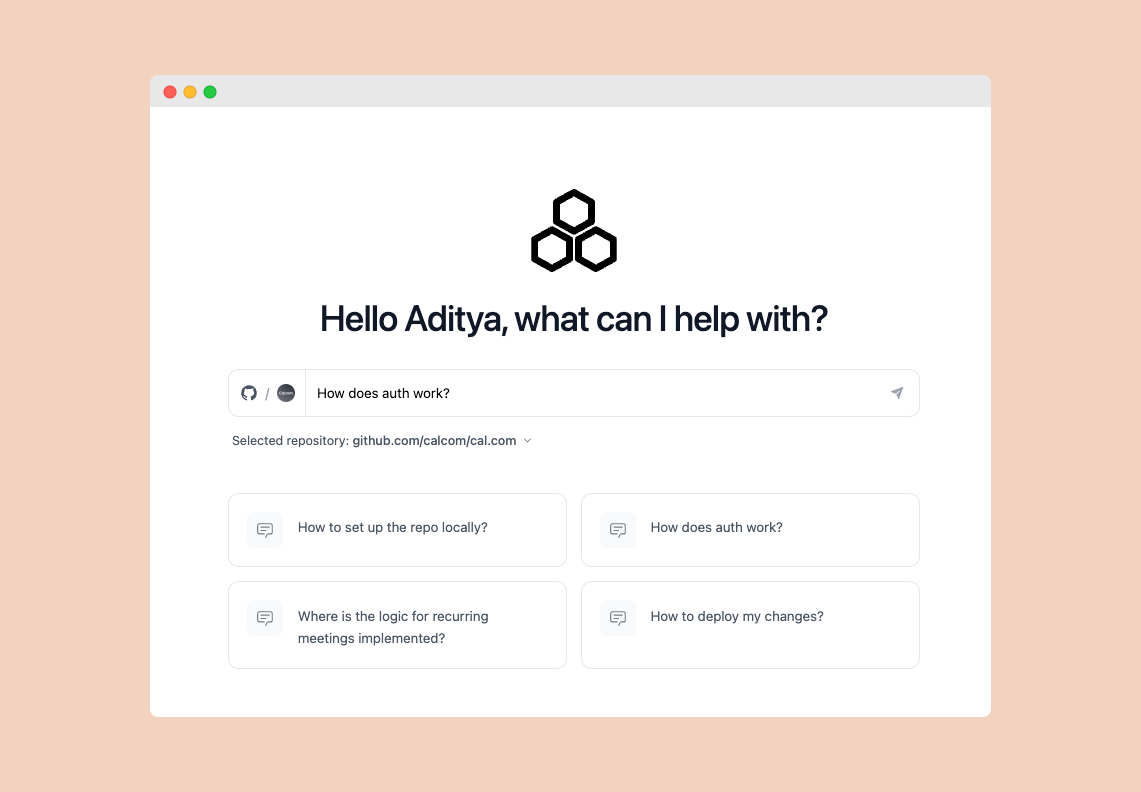 Chat with your codebase through our web app.
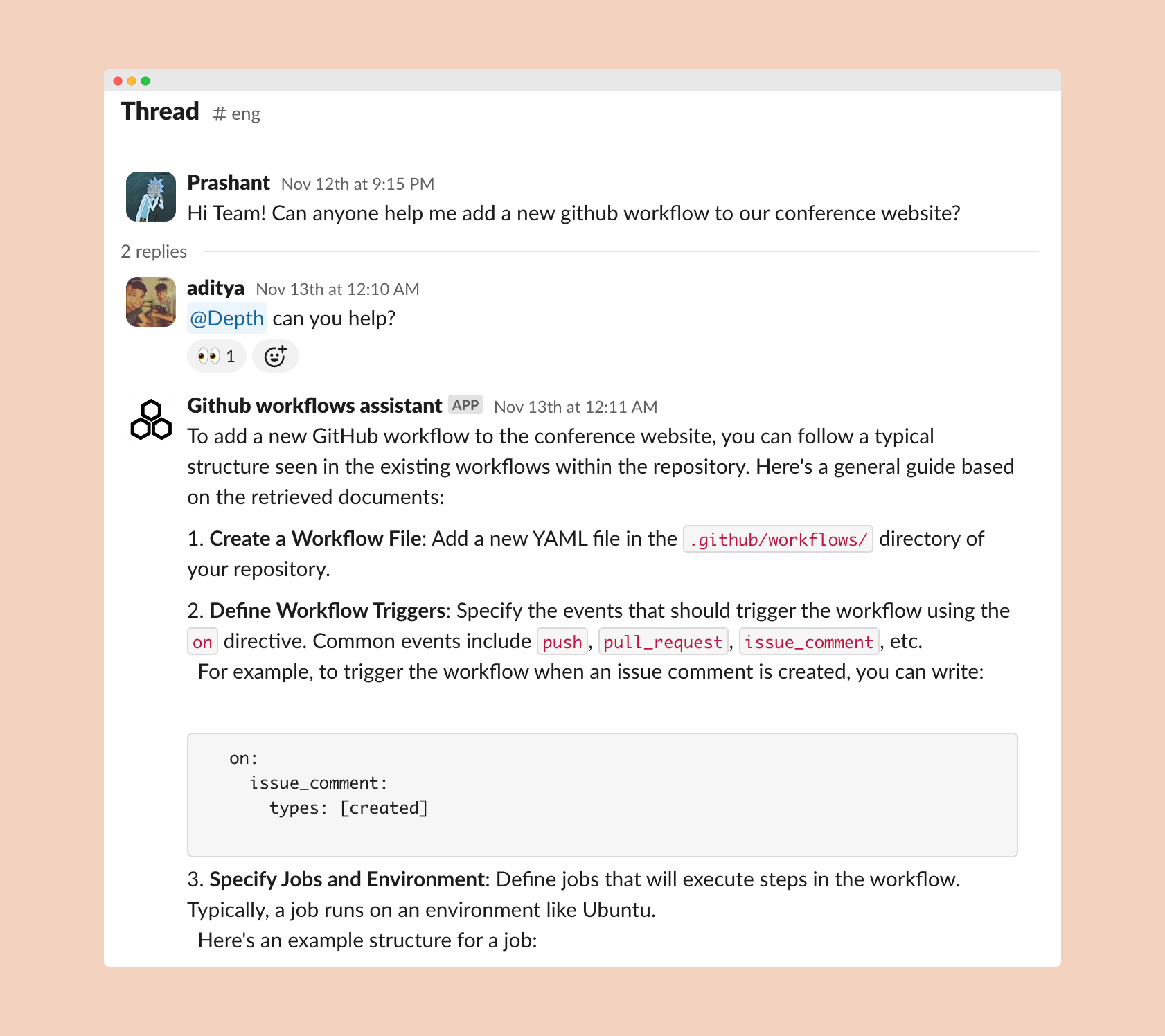 Get instant answers about your code directly in Slack - where your team already collaborates.
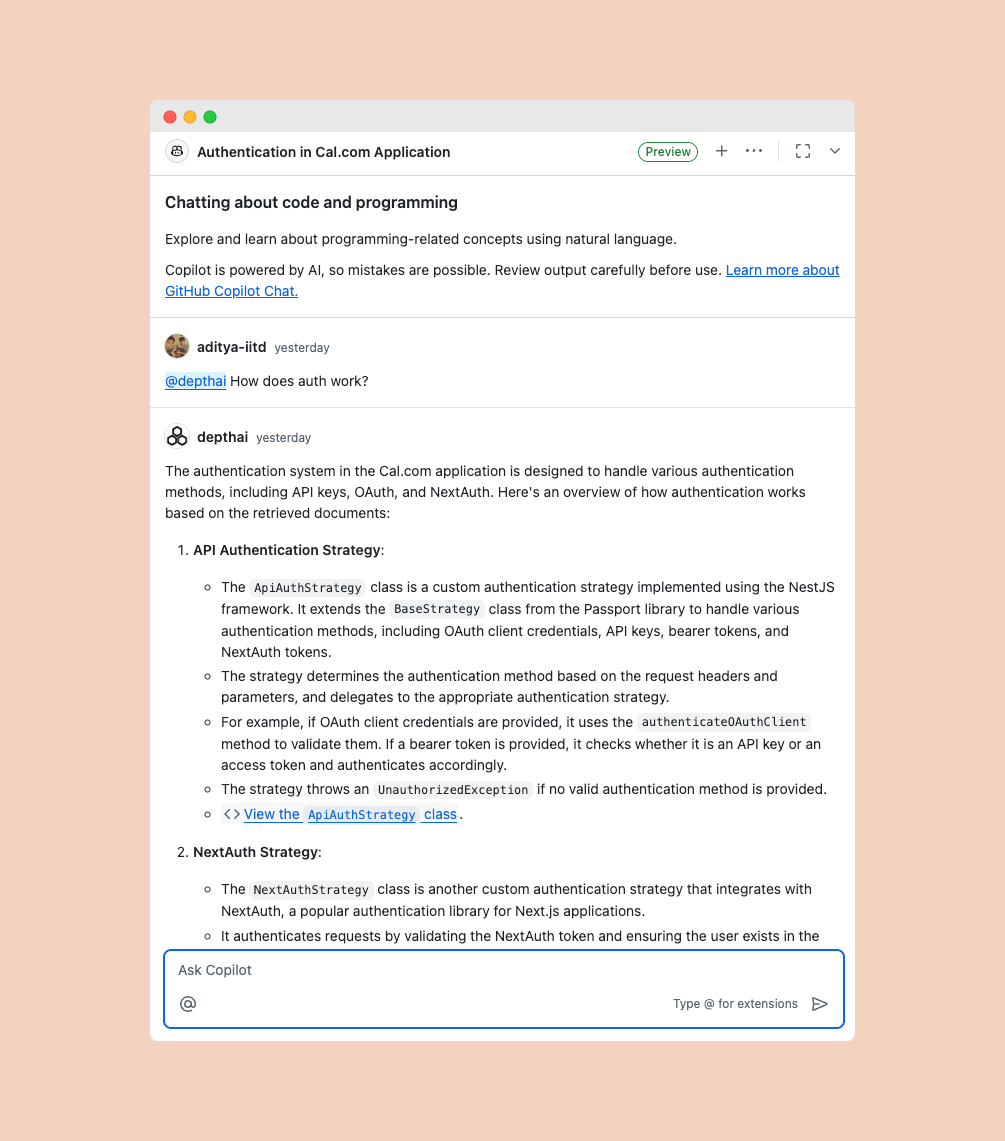 Seamless integration with GitHub Copilot for enhanced development experience.
Learn more about our web interface
Set up Depth AI in Slack
Enhance GitHub Copilot with Depth AI
## Specialized Assistants
Create specialized assistants on different parts of your codebase and deploy them in your workflows. Just select files and folders from your codebase as knowledge sources, and the assistant is ready.
Seamless integration with GitHub Copilot for enhanced development experience.
Learn more about our web interface
Set up Depth AI in Slack
Enhance GitHub Copilot with Depth AI
## Specialized Assistants
Create specialized assistants on different parts of your codebase and deploy them in your workflows. Just select files and folders from your codebase as knowledge sources, and the assistant is ready.
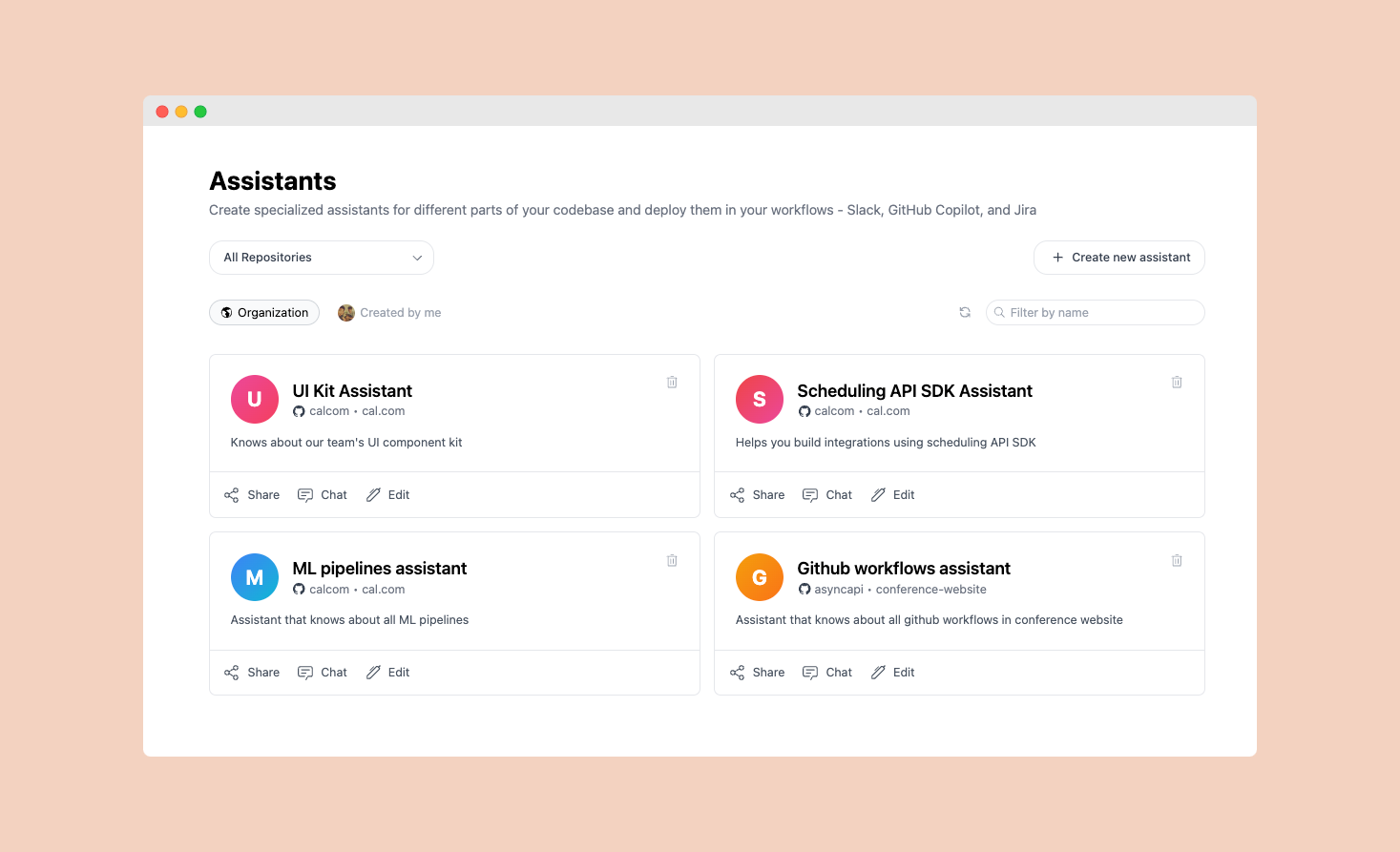 Detailed guide on creating and deploying specialized assistants for your team
## API First
Use the chat API to build tools on top of Depth AI.
```bash theme={null}
curl -X POST "https://api.trydepth.ai/chat?repo_name=github.com/calcom/cal.com" \
-H "Authorization: Bearer your_api_key" \
-H "Content-Type: application/json" \
-d '{
"messages": [{"role": "user", "content": "What are the API routes?"}],
"model": "gpt-4"
}'
```
### Example Tools You Can Build
Build a bot that helps on-call engineers debug production issues by providing context about error logs and related code.
Create automated documentation generators that explain code changes and keep technical docs in sync with your codebase.
Deploy an AI reviewer that analyzes pull requests and provides detailed feedback based on your codebase patterns.
Detailed guide on using the chat API
Detailed guide on creating and deploying specialized assistants for your team
## API First
Use the chat API to build tools on top of Depth AI.
```bash theme={null}
curl -X POST "https://api.trydepth.ai/chat?repo_name=github.com/calcom/cal.com" \
-H "Authorization: Bearer your_api_key" \
-H "Content-Type: application/json" \
-d '{
"messages": [{"role": "user", "content": "What are the API routes?"}],
"model": "gpt-4"
}'
```
### Example Tools You Can Build
Build a bot that helps on-call engineers debug production issues by providing context about error logs and related code.
Create automated documentation generators that explain code changes and keep technical docs in sync with your codebase.
Deploy an AI reviewer that analyzes pull requests and provides detailed feedback based on your codebase patterns.
Detailed guide on using the chat API